Multifunction Printers
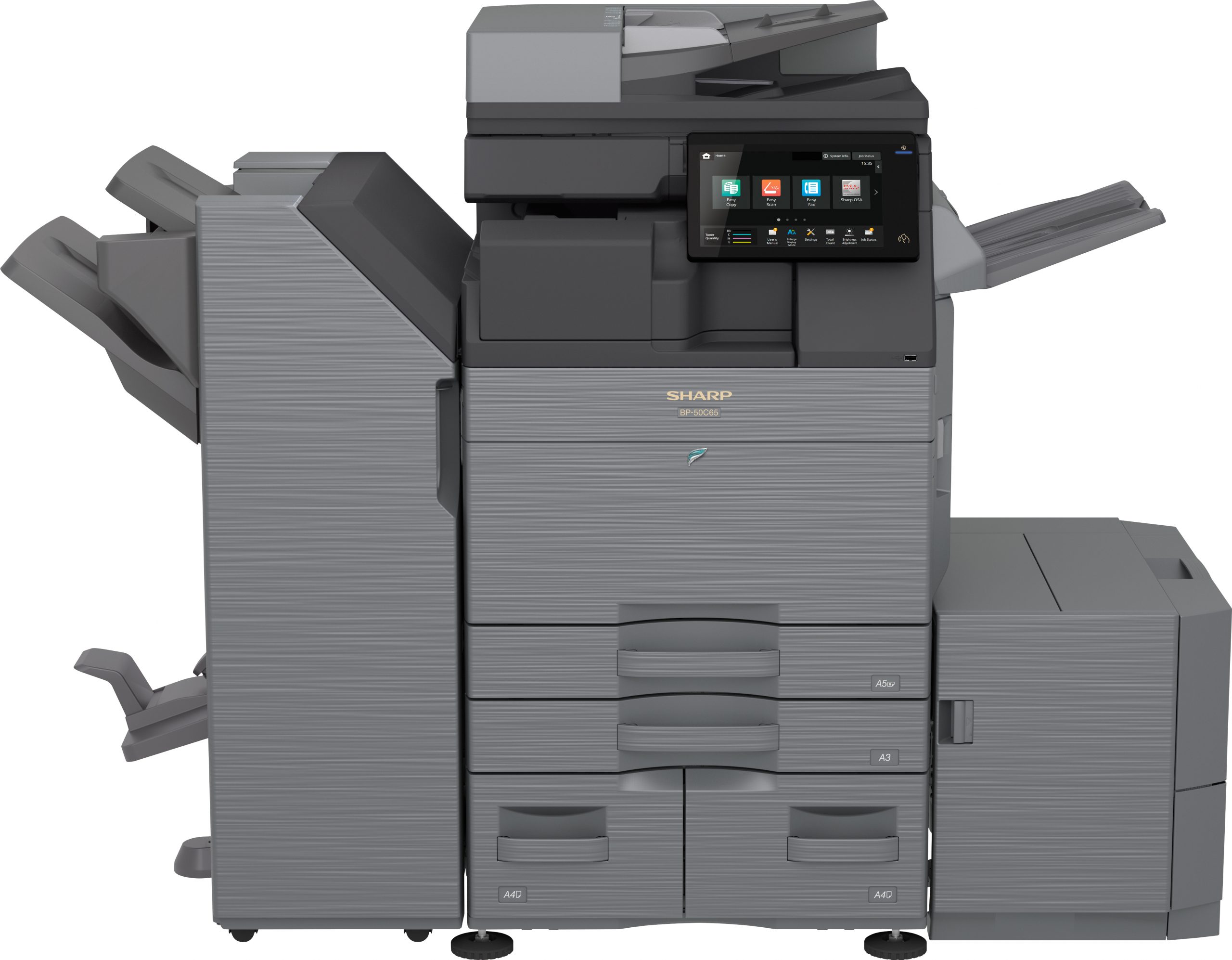
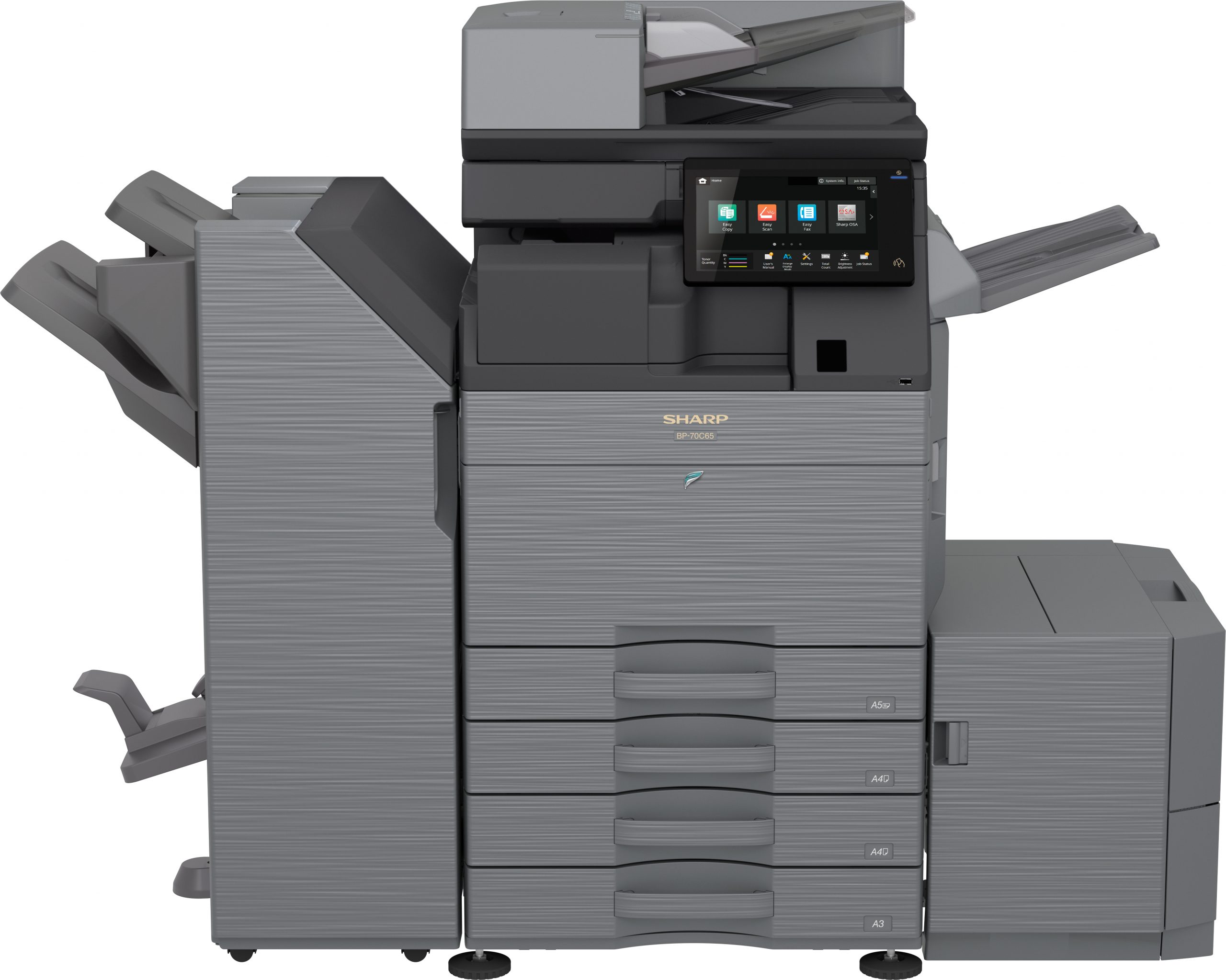
Sharp BP Series color networked MFPs: print, copy, scan and fax from one secure, cloud-ready device.
Top 4 Key Features to Consider When Choosing Your Copier
Graphic Capabilities
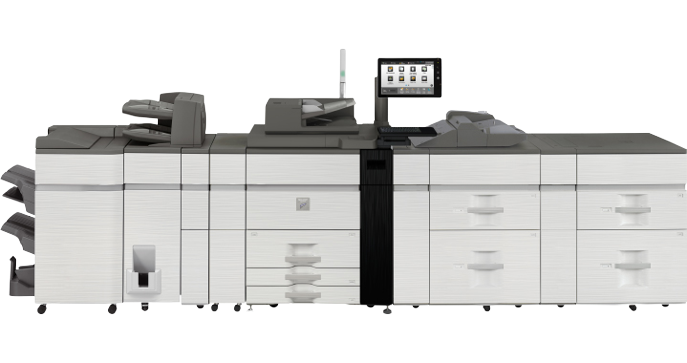
Most commonly known as multifunction or production printers, models with graphic capabilities ensure the highest resolution (2,400 x 2,400 dpi is standard) as well as color management through five-color control, for reliable and exact reproduction of source materials.
Added Functionalities
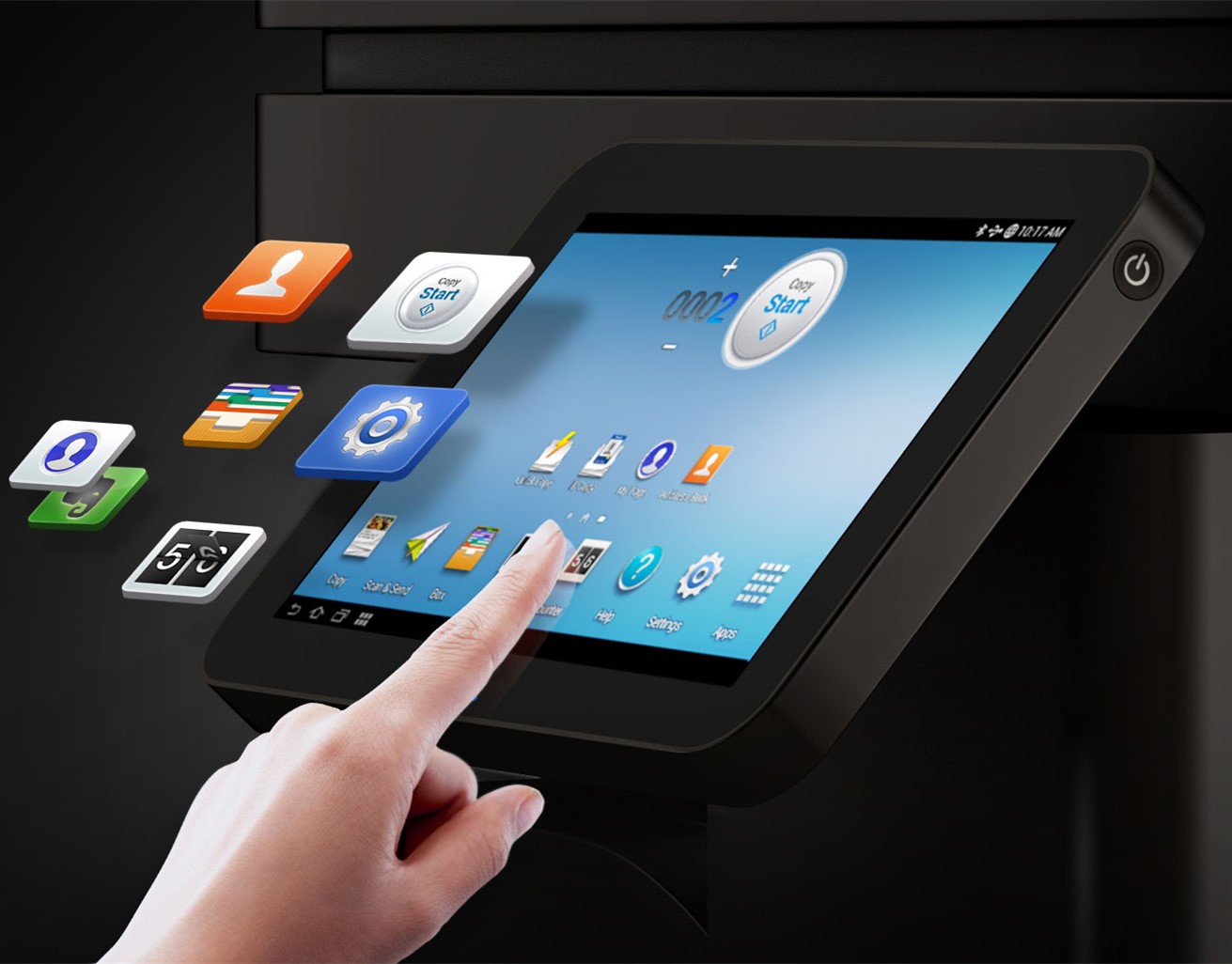
Wireless connectivity, interactive touch-screen control panels, image editing, large built-in drives for document storage and enhanced security can cut costs across your business. Skipping the ones you don’t need can reduce spending drastically.
Print Volume
Paper capacity is listed as “tray” or “cassette.” Basic digital copiers hold 100 sheets in the tray and 250 in the cassette; large-scale MFPs accommodate 500 in the tray and about 2,000 in cassettes.
Print Speed
Older models capped out around 30 ppm. Newer digital copiers print anywhere from 22 ppm on the low end up to 100 ppm on deluxe models, with faster “first copy out” times.
Sharp Multi-Functional Printer (MFP) Benefits
Internet Faxing
Securely send documents to remote email inboxes and internet fax terminals, as simple as entering an email address and pressing start.
Desktop Faxing
Transmit documents directly from desktop applications to remote fax terminals without printing, with address book and directory search from the browser.
Walk-Up Faxing
Virus-free, off-network fax line, so you always have dependable faxing even during network maintenance.
Scan to Folder
Navigate your files on the touch screen and direct documents to folders with ease.
Scan to Email
Add a file name, subject line, or brief message and your scan is on its way.
Scan Anywhere
External source scanning and storage, internal storage retrieval, hands-free automatic document feeder and simultaneous dual-sided scanning.
Address Book
Store up to 1,000 contacts with fax, email or group dial entries behind a password-protected log-in.
Copy
Stapling, hole punching, half and tri-folding, cover binding, pagination, image scaling and rotation, page numbering and watermarking.
Network, USB and other connections, universal drivers, print to internal storage, higher speeds and capacity, and higher DPI for sharper output.
About Sharp MFPs
Current-day office machines do far more than make copies. Multi-function printers (MFPs) combine the functionality of copiers, scanners and printers into one tool that expedites work and increases efficiency in the office.
Sharp offers a wide variety of MFP models with various features and speeds, from 20 pages per minute up to 70, with user-friendly features like touch screen displays, full-sized retractable keyboards and printing directly from a USB thumb drive.
Choosing the Right MFP for Your Business
Analog copiers have failed to keep pace with digital counterparts on productivity and quality. The modern copier is an all-in-one office suite: scanning, copying, printing, faxing, downloading and emailing. Choosing the right one depends on understanding the key features and the differences between the choices.
Cost of a Sharp MFP
A Sharp MFP tends to start around $1,000 for a smaller desktop model printing 20 pages per minute. A high-end model with a fully robust networking interface and on-device document management can cost around $20,000. Every other model falls in between.
A1 Image has a vast assortment of top-of-the-line digital copiers for any business. We offer in-house demos, the best way to test a copier and see if it is right for you. Ready to talk digital copiers? Call us at 972-437-2320.
Get A Quote
MFPs start at $79/mo with free delivery, setup, networking and training.
Top-rated products & service
What Dallas–Fort Worth offices say about working with A1 Image.
“A1-Image is superior in customer service, product and price! I would highly recommend them for all your copy needs!”
“We got a Sharp MFP from these guys a few years back. Didn’t know what type of printer our company needed, but the owner stepped us through the options and it turns out we didn’t need the most expensive, so I was impressed he didn’t try to upsell us.”